
Download Zoo Cleaner – cleaning game, animal survival, stealth game, first-person game
Overview
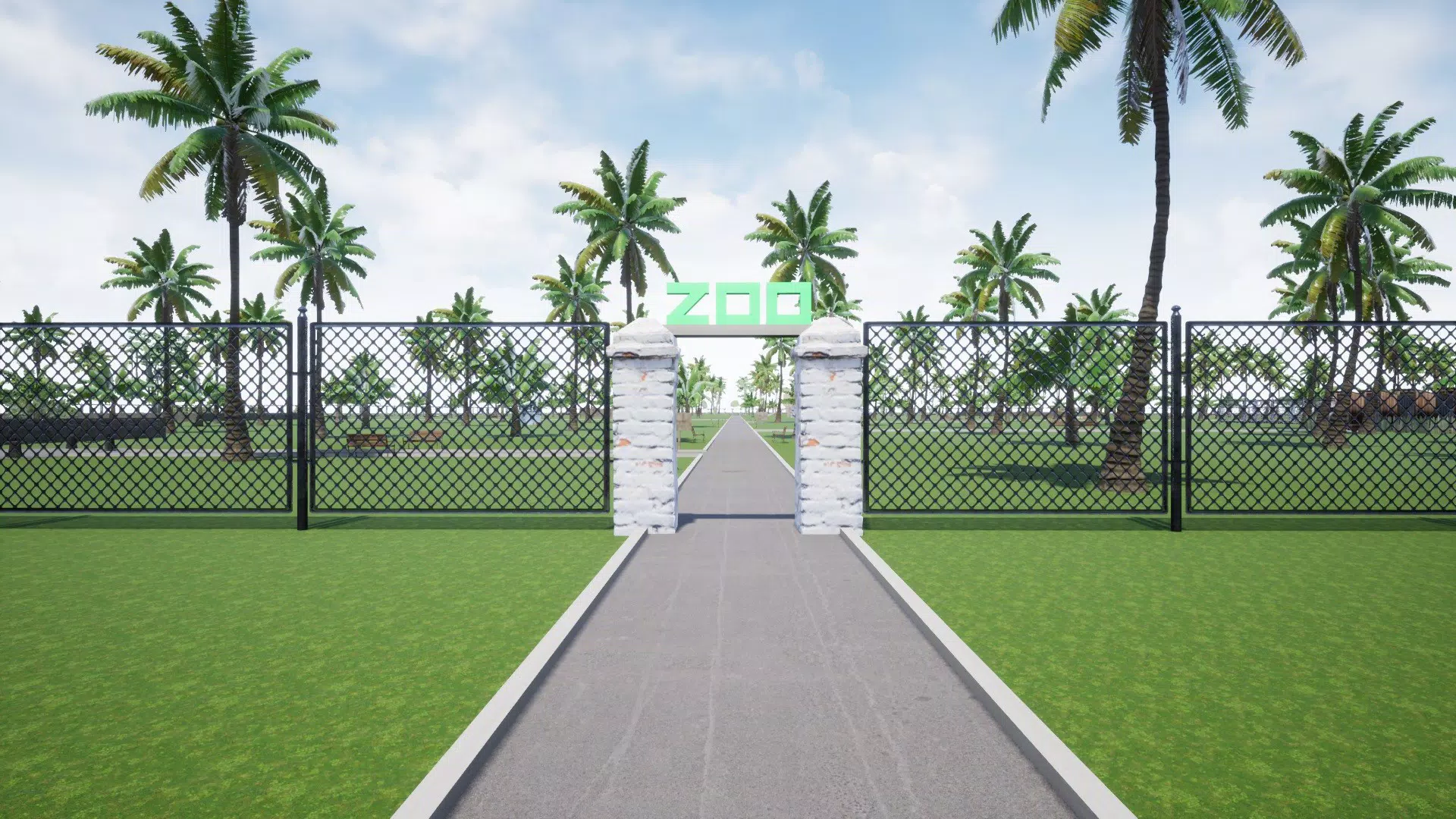
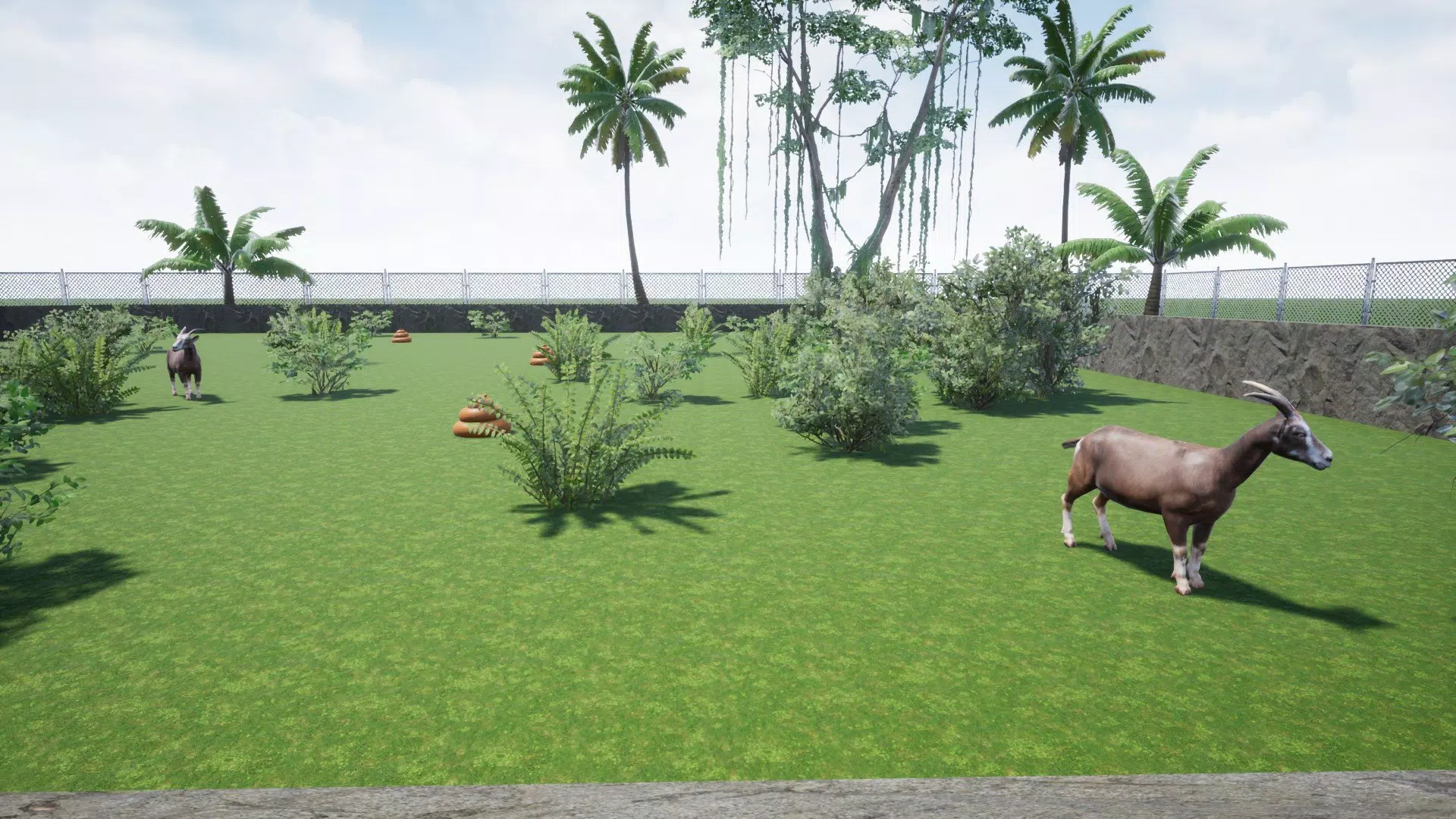
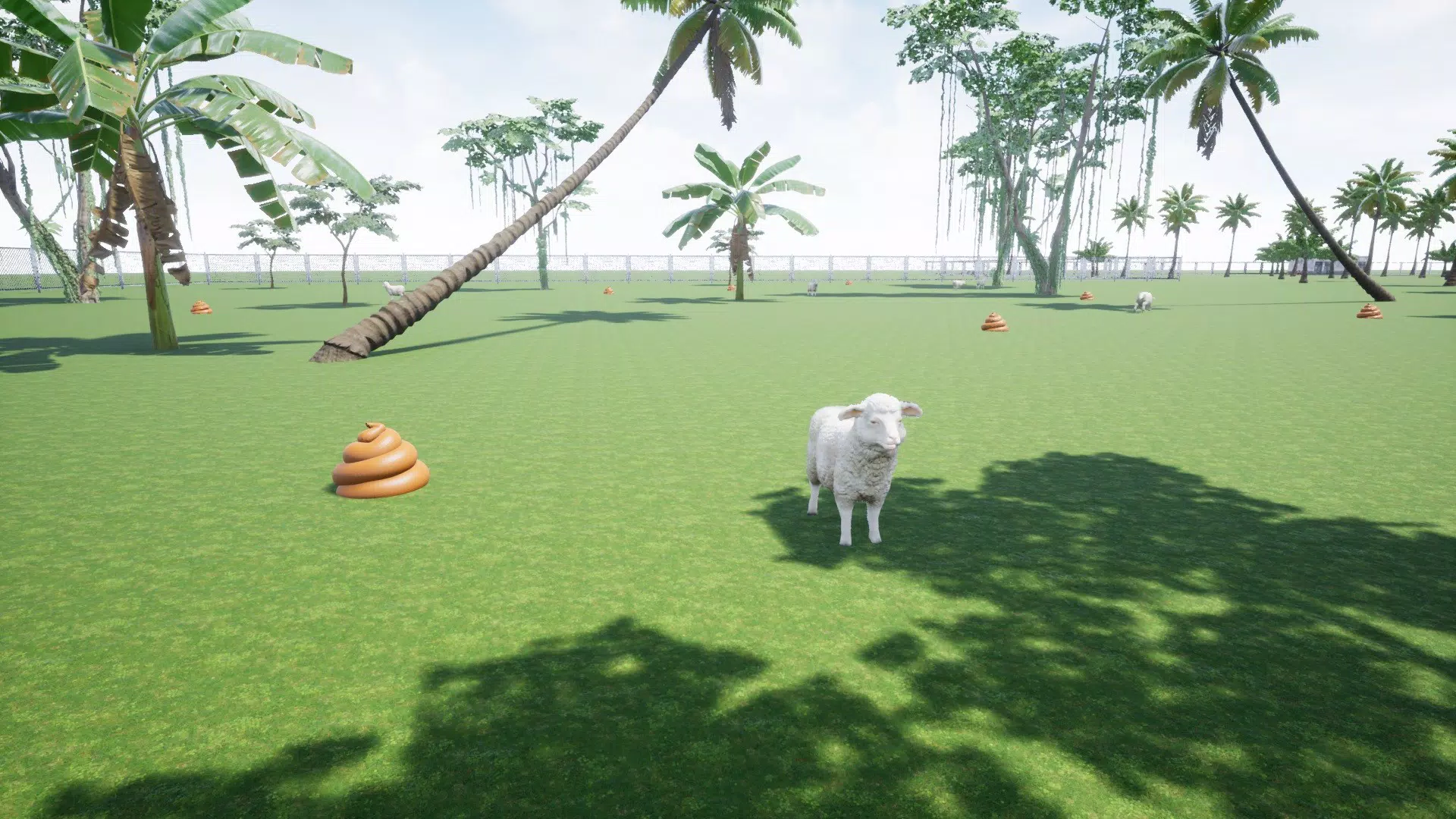
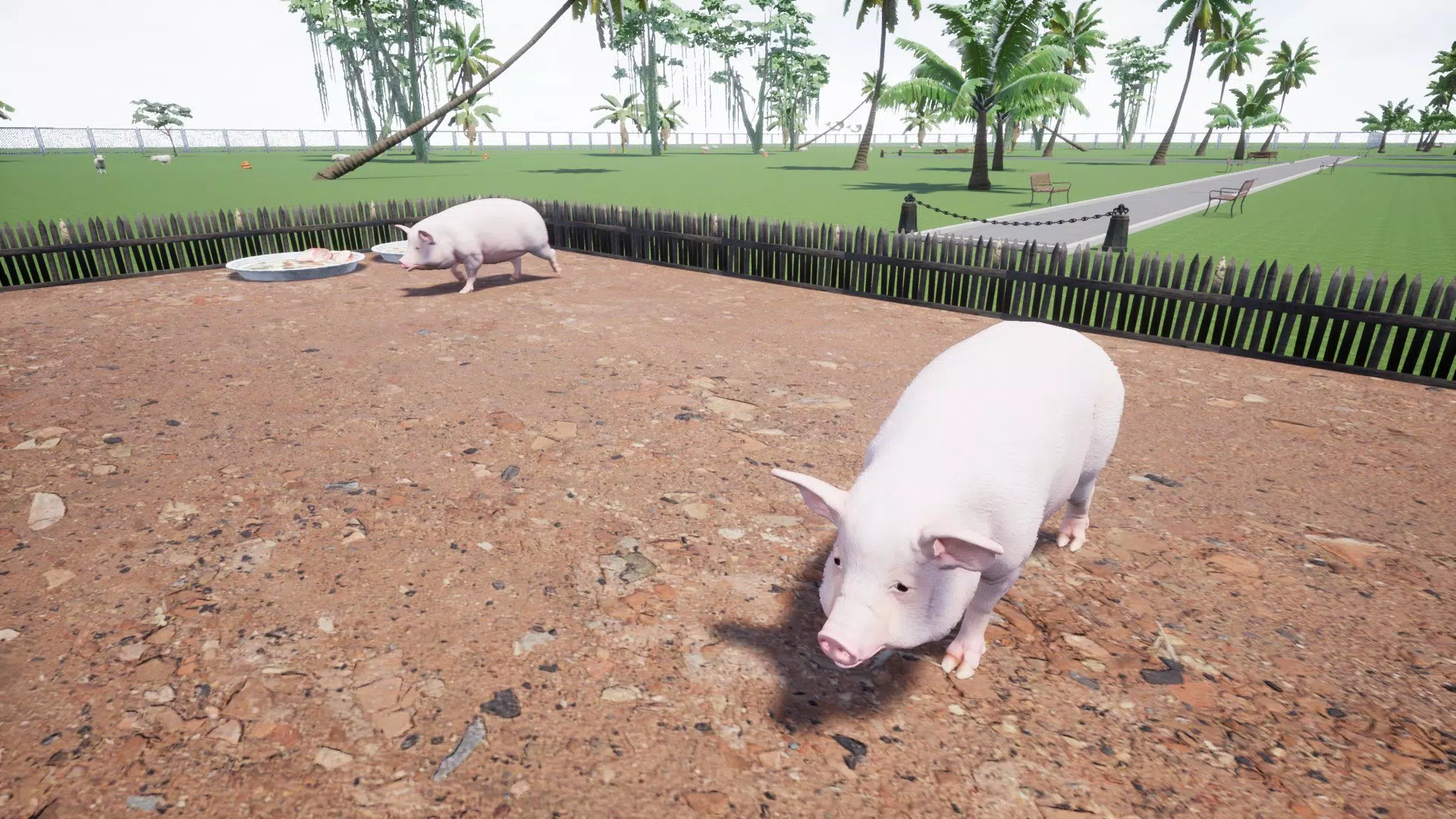
Zoo Cleaner is a first-person survival game that places players in the role of a zoo maintenance worker tasked with cleaning enclosures while evading detection by exotic animals. The game combines elements of stealth, strategy, and environmental interaction to deliver a tense and immersive experience. Set in a vibrant yet dangerous zoo environment, players must navigate through various enclosures, clearing waste and debris without triggering the animals’ attention. This unique blend of routine tasks and high-stakes gameplay transforms a mundane chore into a thrilling challenge.
The target audience includes fans of stealth mechanics, first-person games, and narrative-driven experiences. Players who enjoy games that require careful planning, timing, and situational awareness will find Zoo Cleaner particularly engaging. The game’s plotline adds depth beyond simple gameplay, offering a compelling reason to complete each cleaning mission. While the developer, Coder Games, did not provide additional background information, the game’s design suggests a focus on atmosphere, immersion, and player agency.
Real-world use cases are limited to entertainment and mental engagement, as the game simulates a high-pressure scenario that sharpens reflexes and strategic thinking. In the broader app ecosystem, Zoo Cleaner stands out as a niche but well-crafted experience that appeals to mobile gamers seeking something different from typical casual or action titles. Its emphasis on stealth and environmental awareness contributes to a distinct identity within the mobile gaming landscape.
Key Features & Functionality
- First-Person Perspective: The game’s immersive first-person view enhances the sense of presence, making players feel like they are truly inside the zoo enclosures. This perspective intensifies the tension during stealth sequences and improves spatial awareness.
- Stealth-Based Gameplay: Players must move quietly, avoid direct eye contact, and use cover to remain undetected. The animals react dynamically to player actions, requiring careful observation and timing to succeed.
- Interactive Enclosures: Each zone features movable objects, hidden tools, and environmental hazards that can be used strategically. Players can manipulate the environment to distract animals or create safe paths.
- Visual Storytelling: The game uses visual cues and environmental details to convey narrative elements, reducing reliance on text. This approach supports a more immersive experience, especially for players who prefer non-verbal storytelling.
- Dynamic Animal Behavior: Animals exhibit varied behaviors—some are curious, others aggressive—requiring different approaches for each encounter. This variation increases replayability and strategic depth.
For example, a player might use a nearby trash can to create a distraction, drawing a lion’s attention away from a cleaning station. In another scenario, a player must time their movements to avoid a passing giraffe’s line of sight. These real-world applications of strategy and environmental awareness make each mission feel unique and engaging.
Interface, UX & Performance
Zoo Cleaner features a clean, minimal interface designed to support immersion without overwhelming the player. The HUD is subtle, with only essential indicators—such as visibility status and cleaning progress—displayed at the edge of the screen. This design choice ensures that the player remains focused on the environment and the threat posed by the animals.
Navigating the game is intuitive, relying on touch-based movement and gesture controls. The responsiveness of the controls is consistent across device categories, though the developer did not specify performance benchmarks. Although the developer did not list formal performance metrics, the game’s 128 MB file size suggests optimized resource usage, which likely contributes to stable performance on mid-range Android devices.
Stability appears to be well-managed, with no reported issues related to crashes or freezes. The game maintains consistent frame rates during gameplay, allowing for smooth movement and precise timing. The visual style—featuring detailed textures and realistic animal animations—enhances the atmosphere without compromising performance, indicating efficient asset management.
Platform Compatibility & Technical Requirements
Zoo Cleaner is available exclusively on Android, with the current version listed as 1.0.0. The app has a file size of 128 MB, which is relatively lightweight for a game with visually rich content. This suggests efficient asset compression and optimized code structure.
The developer did not specify minimum OS requirements or device compatibility details. As such, users should verify compatibility with their specific device model and Android version before installation. While the game is free to download and install, the lack of formal system requirements means that performance may vary across older or low-end devices.
Pros and Cons
Pros
- Immersive first-person perspective enhances realism and tension.
- Engaging stealth mechanics promote strategic thinking and careful planning.
- Visually appealing graphics with detailed enclosures and realistic animal animations.
- Interactive environments provide varied gameplay and replay value.
- Free to download and install, making it accessible to a broad audience.
Cons
- Specific system requirements were not listed, which may affect installation on some devices.
- Limited information about developer background or future update plans.
- No multiplayer or progression system was mentioned in the provided details.
- Gameplay may feel repetitive over extended sessions without additional content.
- Only one platform (Android) is currently supported.
FAQ
Is Zoo Cleaner safe to download?
Yes, the game is available through official Android channels and is free from known malware. As with any app, users should ensure they download from trusted sources.
Can I play Zoo Cleaner offline?
While the developer did not specify, the game’s lightweight size and standalone nature suggest it likely supports offline play.
Does Zoo Cleaner require internet access?
Based on available information, no internet connection is required for gameplay. However, future updates may include online features.
How often is Zoo Cleaner updated?
The developer has not disclosed update frequency. The current version is 1.0.0, released in 2021, with no recent updates mentioned.
Is Zoo Cleaner available on iOS?
As of now, the game is only available on Android. No iOS version has been announced.
Final Thoughts
Zoo Cleaner delivers a fresh and engaging twist on the stealth genre, transforming the mundane task of cleaning into a high-stakes survival challenge. Its first-person perspective, dynamic animal behavior, and interactive environments create a compelling experience that stands out in the mobile gaming space. While the lack of detailed system requirements and limited developer information may raise questions for some users, the game’s free access and polished design make it a worthwhile download for fans of stealth and strategy.
Players who enjoy tense, atmosphere-driven games with a unique premise will find Zoo Cleaner both entertaining and mentally stimulating. Its blend of visual storytelling, environmental interaction, and strategic depth offers a meaningful alternative to repetitive mobile titles.
Download Zoo Cleaner now


